


Most businesses run on a dozen or more software tools: a CRM, an accounting system, an e-commerce store, an email platform, a support desk. Each one does its job well. The problem is that they often don’t talk to each other, so someone ends up copying data from one screen to another.
API integration is the process of connecting two or more software applications through their APIs (application programming interfaces) so they can share data and trigger actions automatically. For example, when a customer places an order online, an API integration can send that order to your accounting system, update inventory, and add the customer to your CRM, all without anyone typing it in.
Below, we explain what an API is, how API integration works, common examples, the main types, and what to plan for before you start an integration project.
What Is an API?
An API, or application programming interface, is a set of rules that lets one piece of software request data or actions from another. Think of it like a waiter in a restaurant. You (one application) don’t walk into the kitchen (the other application). You give your order to the waiter (the API), who brings back exactly what you asked for.
Most modern software, from Salesforce and QuickBooks to Shopify and Microsoft 365, offers APIs so other systems can connect to it in a controlled, secure way.
API vs Integration: What’s the Difference?
The two words are often used together, but they mean different things. An API is the doorway a single application provides. An integration is the connection you build between two or more applications, often using their APIs, so they work together as one system. In short, the API is the tool, and the integration is what you build with it.
How Does API Integration Work?
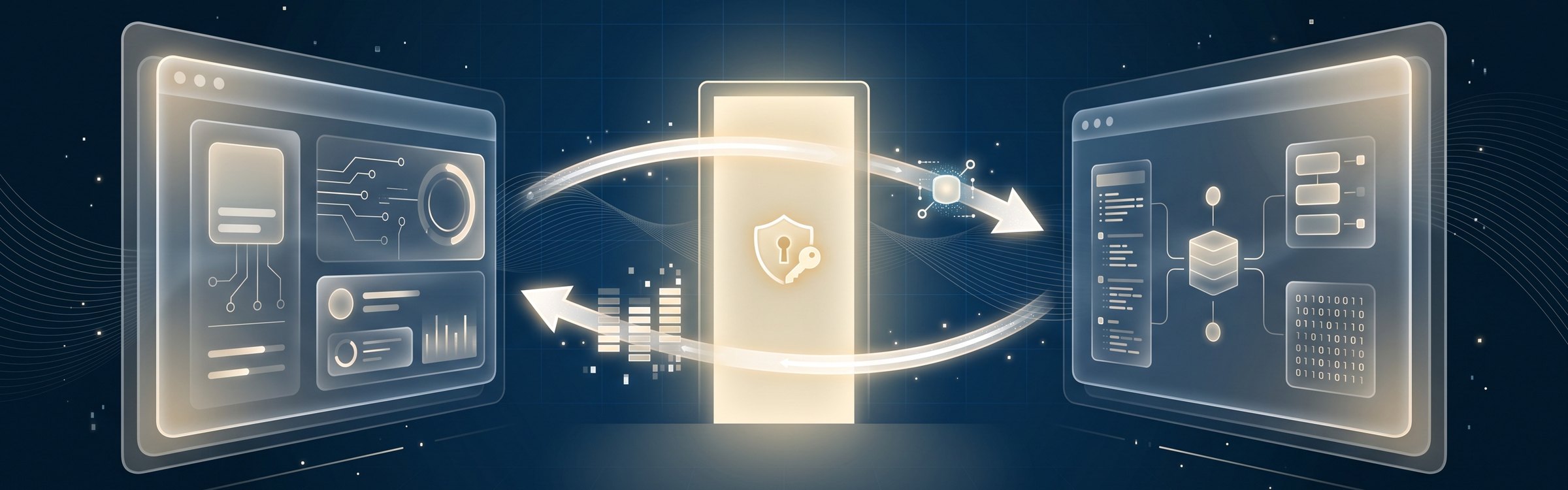
At a high level, every API integration follows the same pattern:
- A trigger happens: Something changes in one system, such as a new order, a signed contract, or an updated contact.
- A request is sent: The integration sends a request to the other system’s API, usually over the internet using HTTPS.
- Access is checked: The receiving system confirms the request is allowed, typically using an API key or a token (OAuth 2.0 is a common standard).
- Data is exchanged: The API returns the requested data or performs the action, often in a format called JSON.
- Data is mapped: The integration translates fields between systems, so “Client Name” in one tool lands in “Account Name” in the other.
- Results are logged: Good integrations record what happened and alert someone if a request fails.
Some integrations check for changes on a schedule (for example, every 15 minutes). Others use webhooks, which send an instant notification the moment something happens, so data stays up to date in near real time.
API Integration Examples
You probably use API integrations every day without noticing. Here are some common business examples:
- CRM and marketing: New leads from your website form go straight into Salesforce or HubSpot and are added to the right email campaign.
- E-commerce and accounting: Orders from your online store create invoices in QuickBooks or Xero automatically.
- Payments: Your website connects to a payment processor like Stripe or PayPal to charge cards securely without storing card details yourself.
- ERP and inventory: Stock levels in your ERP update your website in real time, so customers don’t order items that are out of stock.
- Shipping: Your order system pulls live rates and tracking numbers from carriers like Canada Post, UPS, or FedEx.
- Support and CRM: Your help desk shows each customer’s order history and account details from the CRM, so agents have the full picture.
- Single sign-on: Employees log in to multiple apps with one Microsoft or Google account.
Common Types of APIs
You don’t need to be a developer to plan an integration, but it helps to recognize the terms you’ll hear:
- REST APIs: The most common type today. They’re lightweight, use standard web requests, and are supported by most cloud software.
- SOAP APIs: An older, more rigid standard still used by many banks, government systems, and enterprise software.
- GraphQL APIs: Let the requesting system ask for exactly the data it needs in one request, which can make apps faster.
- Webhooks: Not a full API, but a way for one system to push an alert to another the moment an event happens.
APIs can also be grouped by who can use them. Public (or open) APIs are available to outside developers, partner APIs are shared with specific business partners, and private (internal) APIs connect systems inside one organization. Connecting to another company’s public API is often called third-party API integration.
Ways to Build an API Integration
There are three common approaches, and the right one depends on how many systems you’re connecting and how complex the logic is:
- Native integrations: Ready-made connectors built into the software itself, like the Shopify app for QuickBooks. Quick to set up, but limited to what the vendor offers.
- Integration platforms (iPaaS): Tools like Zapier, Make, Microsoft Power Automate, or MuleSoft connect apps with little or no code. Good for standard workflows across many tools.
- Custom integrations: Code written specifically for your systems and processes. Best when you have unique business rules, large data volumes, or older systems without ready-made connectors. Learn more about our custom software development.
Many businesses use a mix: native connectors where they exist, an integration platform for simple workflows, and custom code for the critical connections.
API Integration Best Practices

Whichever approach you choose, these practices help integrations stay reliable and secure:
- Start with the process, not the tool: Map exactly what data should move, when, and which system is the “source of truth” for each field.
- Secure every connection: Use encrypted connections, store API keys safely, and give each integration only the access it needs. Our post on common cybersecurity mistakes covers why limited access matters.
- Plan for errors: Systems go offline and requests fail. Build in retries, logging, and alerts so problems are caught quickly.
- Respect rate limits: Most APIs limit how many requests you can make per minute. Design around those limits so syncs don’t stall.
- Keep data clean: Agree on formats for names, dates, currencies, and IDs so records match across systems and don’t create duplicates.
- Test before going live: Use test (sandbox) environments with realistic data before connecting to your live systems.
- Document and monitor: Keep a record of what each integration does and watch for API version changes from your vendors.
Why API Integration Matters for Your Business
Connected systems change how a business runs day to day. Teams stop re-entering the same data, which saves time and cuts errors. Managers get reports based on accurate, up-to-date information instead of spreadsheets pieced together by hand. Customers get faster service because orders, accounts, and support history are all in sync.
Integration is also a building block for bigger projects. Moving to the cloud, adopting a new CRM, or automating workflows all depend on systems that can share data. That’s why integrations usually show up early in a digital transformation strategy and in most cloud migration plans.
Frequently Asked Questions
What is API integration in simple terms?
What is an example of an API integration?
How does API integration work?
What is the difference between an API and an integration?
Do I need a developer for API integration?
Connect Your Systems With BitWaves
API integration turns separate tools into one connected system, so data moves where it needs to go without manual work. The key is planning the right connections, choosing the right approach for each one, and building them to be secure and reliable.
At BitWaves, we design and build integrations between CRMs, ERPs, e-commerce platforms, and custom applications for businesses across Canada and the US. Explore our integration services and Salesforce consulting, or get in touch to talk about the systems you want to connect.