


As a business grows, spreadsheets and email stop being enough. Sooner or later someone suggests a CRM, someone else suggests an ERP, and it’s not always clear whether they mean the same thing or which one should come first.
The short answer: a CRM (customer relationship management) system manages everything about your customers and sales, from leads and deals to marketing and support. An ERP (enterprise resource planning) system manages the operations behind the scenes, such as finance, inventory, purchasing, and supply chain. CRM helps you win and keep customers. ERP helps you deliver to them efficiently and profitably. Many growing businesses end up using both, connected together.
Below, we explain what each system does, how they compare, when you need one or both, and how to make them work together.
What Is a CRM?
A CRM is software that stores and organizes every interaction your business has with prospects and customers. It gives sales, marketing, and service teams one shared view of each customer, so nobody has to dig through inboxes or spreadsheets to find out what was discussed or promised.
Common CRM features include:
- Contact and account management: Names, companies, contact details, and full communication history in one place.
- Lead and opportunity tracking: A visual sales pipeline showing every deal and its stage.
- Marketing automation: Email campaigns, lead scoring, and follow-up sequences.
- Customer service: Support cases, ticket tracking, and service history.
- Sales reporting: Forecasts, win rates, and team performance dashboards.
Popular CRM platforms include Salesforce, HubSpot, Microsoft Dynamics 365 Sales, and Zoho CRM.
What Is an ERP?
An ERP is software that brings a company’s core operational processes into one system. Instead of finance, inventory, purchasing, and production each using separate tools, an ERP connects them through a shared database, so a sale automatically flows through to stock levels, invoicing, and the books.
Common ERP features include:
- Financial management: General ledger, accounts payable and receivable, budgeting, and financial reporting.
- Inventory management: Stock levels, warehouses, and reorder points.
- Purchasing and procurement: Purchase orders, supplier management, and approvals.
- Supply chain and manufacturing: Production planning, bills of materials, and order fulfillment.
- HR and payroll: Available in many ERP suites, either built in or as add-on modules.
Well-known ERP platforms include SAP, Oracle NetSuite, Microsoft Dynamics 365 Business Central, Sage, and Odoo.
CRM vs ERP: Key Differences
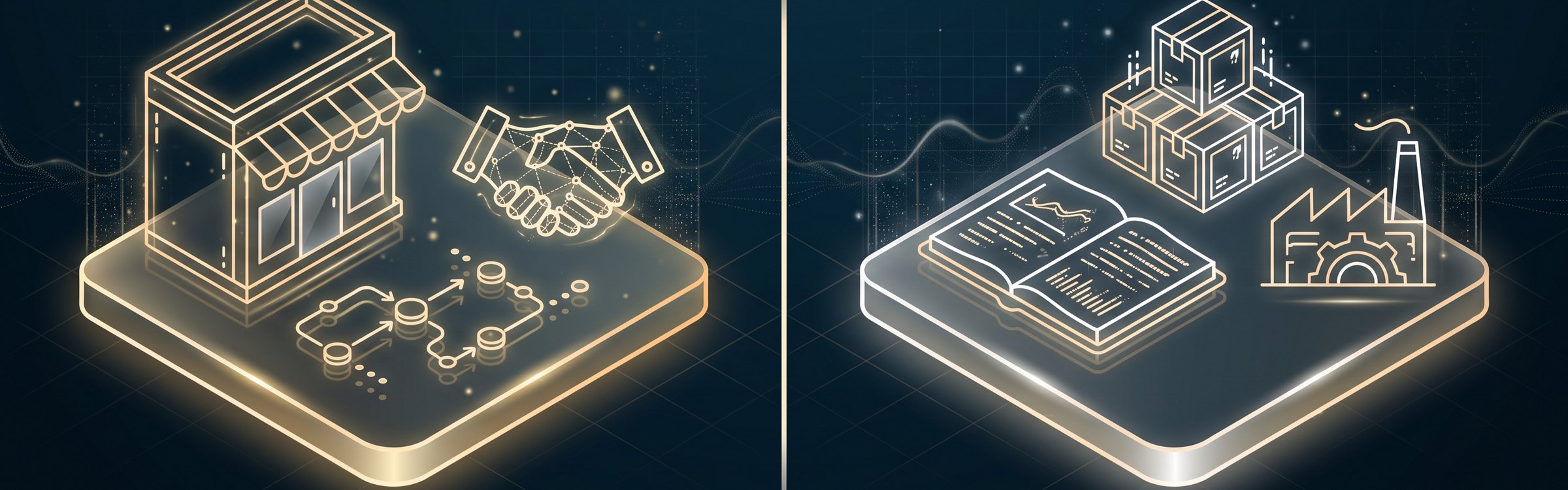
Here’s a side-by-side look at the difference between CRM and ERP:
| Aspect | CRM | ERP |
|---|---|---|
| Main focus | Customers, sales, and relationships | Operations, finance, and resources |
| Main goal | Grow revenue by winning and keeping customers | Cut costs and run the business efficiently |
| Part of the business | Front office (customer-facing) | Back office (behind the scenes) |
| Main users | Sales, marketing, and customer service teams | Finance, operations, purchasing, and supply chain teams |
| Typical data | Leads, contacts, deals, emails, support cases | Invoices, inventory, purchase orders, costs, payroll |
| Key question it answers | “Who are our customers and how do we sell more?” | “How do we deliver profitably and keep the books right?” |
| Examples | Salesforce, HubSpot, Zoho CRM | SAP, NetSuite, Dynamics 365 Business Central |
An easy way to remember it: CRM covers everything up to the sale, and ERP covers everything after it.
Is Salesforce a CRM or ERP?
Salesforce is a CRM. It’s built for sales, service, and marketing teams. It doesn’t include core ERP functions like accounting or inventory out of the box, although third-party apps and integrations can connect it to an ERP. The same is true for HubSpot.
Does ERP Include CRM?
Some ERP suites, such as NetSuite, SAP, and Microsoft Dynamics 365, offer CRM modules. These work well for basic customer records and orders, but they’re usually less flexible for sales and marketing teams than a dedicated CRM. Many businesses choose a dedicated CRM for the front office and connect it to their ERP.
CRM vs ERP: Which One Do You Need?
The right choice depends on where your biggest headaches are today.
You Probably Need a CRM First If…
- Leads come in from several places and some fall through the cracks.
- Sales reps keep customer notes in their own spreadsheets or inboxes.
- You can’t easily see your sales pipeline or forecast next quarter’s revenue.
- Customers have to repeat themselves every time they contact a different team.
You Probably Need an ERP First If…
- Your accounting, inventory, and ordering live in separate tools that don’t sync.
- Month-end close takes days of manual reconciliation.
- You often run out of stock, or have too much of it, without knowing why.
- You’re adding locations, warehouses, or currencies and your current systems can’t keep up.
You Likely Need Both If…
Your sales team needs to see order status, invoices, or stock levels while talking to customers, and your operations team needs accurate sales forecasts to plan purchasing and production. This is common for distributors, manufacturers, wholesalers, and growing e-commerce businesses.
CRM ERP Integration: Making Both Systems Work Together
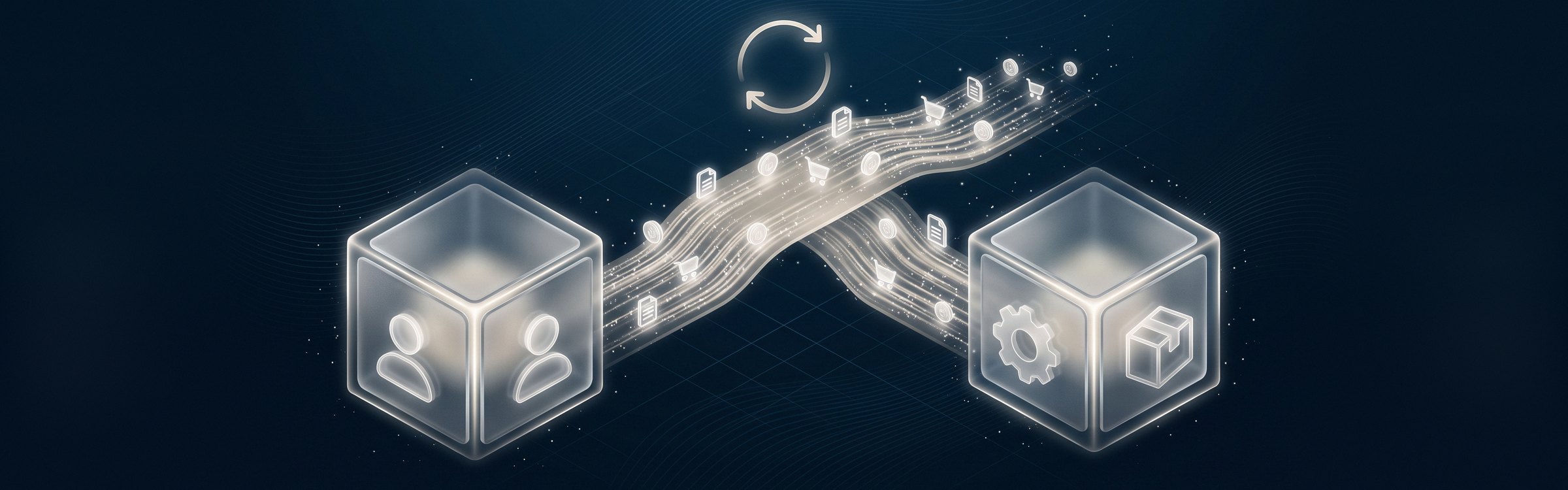
Using a CRM and ERP side by side without connecting them often just moves the manual work around. Someone still has to copy a closed deal from the CRM into the ERP to create the order and invoice. CRM ERP integration removes that step by syncing data between the two systems automatically.
A connected setup typically shares:
- Customers and accounts: One customer record, kept the same in both systems.
- Quotes and orders: A won deal in the CRM becomes a sales order in the ERP.
- Products and pricing: Sales reps quote from the same price list finance uses.
- Inventory: Reps can see what’s in stock before they promise a delivery date.
- Invoices and payments: Account managers see outstanding balances without calling accounting.
Most CRM and ERP platforms connect through APIs. Our guide to API integration explains how this works in plain language. Depending on your systems, the connection can use a ready-made connector, an integration platform, or a custom-built integration.
Before you start, agree on which system “owns” each type of data. For example, the CRM might own contact details while the ERP owns pricing and credit limits. That one decision prevents most of the duplicate and conflicting records that cause integration problems.
Tips for Choosing a CRM or ERP
- Map your processes first: Write down how leads, orders, and invoices move through your business today, and where they get stuck.
- Involve the people who’ll use it: Sales, finance, and operations teams know the gaps better than anyone.
- Check integration options early: Make sure any new system can connect to the tools you already rely on.
- Think about growth: Choose a platform that can handle more users, locations, and transactions over the next few years.
- Prefer cloud-based options: Most modern CRMs and ERPs run in the cloud, which lowers upfront costs and makes updates easier. If you’re still running systems on your own servers, see our cloud migration strategy guide.
- Plan for training and adoption: The best system won’t help if people keep using their old spreadsheets.
Choosing and connecting core systems is often one of the first steps in a wider digital transformation strategy.
Frequently Asked Questions
What is the main difference between CRM and ERP?
Can a CRM be integrated with an ERP?
Which should a small business get first, CRM or ERP?
Is Salesforce a CRM or an ERP?
Do I need both CRM and ERP?
Get CRM and ERP Working for Your Business
The CRM vs ERP question isn’t really about picking a winner. A CRM helps you find, win, and keep customers. An ERP helps you deliver to them efficiently and keep your finances in order. The real value comes when the right systems are in place and talking to each other.
At BitWaves, we help businesses across Canada and the US to choose, set up, and connect their core systems. Explore our Salesforce consulting services and integration services, or get in touch to talk about connecting your sales and operations.