


A cyber attack is any attempt to break into, damage, disrupt, or steal from a computer system, network, or the data stored on it. The most common types of cyber attacks today are phishing, ransomware, business email compromise, exploitation of unpatched software, stolen passwords, and attacks through third-party suppliers.
Attacks are also getting faster and more convincing. Criminals now use AI to write flawless phishing emails, clone voices, and find weaknesses in software within hours of them becoming public. According to Verizon’s 2026 Data Breach Investigations Report, exploiting software vulnerabilities has overtaken stolen passwords as the top way attackers get in, and nearly half of all breaches now involve a third party. In Canada, the Canadian Centre for Cyber Security names ransomware as the top cybercrime threat to the country’s critical infrastructure.
The good news is that most attacks rely on the same handful of weaknesses, so a few well-chosen defences go a long way. Below, we walk through the main types of cyber attacks businesses are facing right now and exactly how to prevent each one.
Why Are Cyber Attacks Increasing?
Cyber attacks are increasing because they’ve become cheaper, faster, and more profitable to run. A few trends are driving this:
- AI-powered attacks: Attackers use AI to write convincing messages in any language, create deepfake audio and video, and scan for vulnerabilities at scale.
- More connected systems: Cloud apps, remote work, and supplier integrations create more entry points.
- Ransomware as a business: Criminal groups rent out ready-made ransomware tools, so attackers don’t need advanced skills.
- Unpatched software: The time between a vulnerability being published and attackers exploiting it has shrunk from months to hours.
- Shadow AI and unapproved tools: Employees using AI tools and apps outside IT’s view create gaps attackers can use. Verizon reports shadow AI use jumped from 15% to 45% of employees in a single year.
For a Canada-specific look at the threat landscape, see our guide to cyber security in Canada.
The Most Common Types of Cyber Attacks
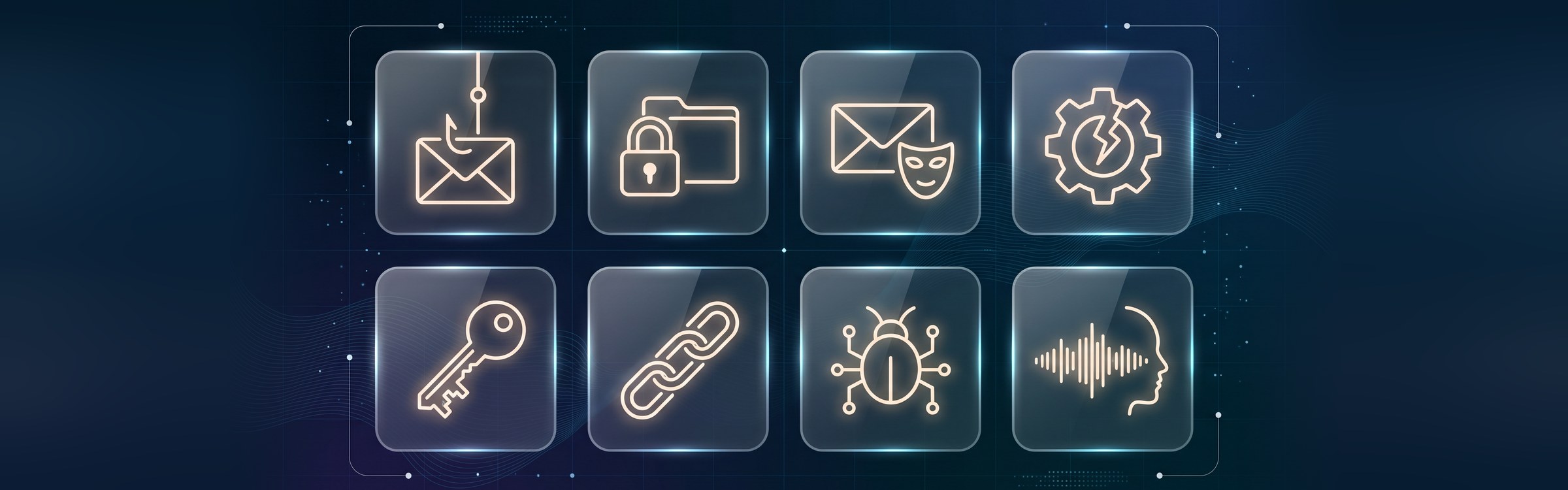
1. Phishing
Phishing is a fake email, message, or website designed to trick someone into clicking a malicious link, opening an infected attachment, or entering their password. Variations include spear phishing (targeted at one person), smishing (text messages), and vishing (phone calls). Mobile scams through texts and calls are now more successful than email phishing.
How to prevent it: Train staff to spot warning signs, use email filtering, turn on multi-factor authentication (MFA) so a stolen password alone isn’t enough, and make it easy to report suspicious messages.
2. Ransomware
Ransomware is malware that locks or encrypts your files and systems, then demands payment to restore them. Many groups now also steal data first and threaten to leak it, which is called double extortion.
How to prevent it: Keep systems patched, limit admin rights, use endpoint detection and response (EDR), and keep offline or immutable backups that you test regularly. A tested disaster recovery plan is what lets you recover without paying.
3. Business Email Compromise (BEC)
Business email compromise is when attackers impersonate an executive, employee, or supplier by email to trick staff into sending money or sensitive information. A classic example is a fake “urgent” request from the CEO to pay a new supplier invoice.
How to prevent it: Require a second approval and a phone call to a known number before changing payment details or sending large transfers. Set up email authentication (SPF, DKIM, and DMARC) to make your domain harder to spoof.
4. Exploiting Unpatched Software
Attackers scan the internet for systems running software with known security flaws, such as outdated VPNs, firewalls, servers, or web plugins, then use those flaws to break in. This is now the most common way breaches start.
How to prevent it: Keep an up-to-date inventory of your systems, apply security patches quickly (especially for internet-facing systems), and replace software that’s no longer supported. Old, unsupported systems are a form of technical debt that attackers love.
5. Password and Credential Attacks
These attacks use stolen, guessed, or reused passwords to log in as a real user. Common methods include credential stuffing (trying leaked passwords on other sites) and brute force (guessing many passwords quickly).
How to prevent it: Turn on MFA everywhere, use a password manager, block reused and common passwords, and monitor for logins from unusual locations.
6. Supply Chain and Third-Party Attacks
Instead of attacking you directly, criminals break into a supplier, software vendor, or IT provider you trust, then use that access to reach you. Third parties are now involved in nearly half of all breaches.
How to prevent it: Review the security of key vendors, give suppliers only the access they need, monitor third-party connections, and include security requirements in contracts.
7. Malware
Malware is any malicious software, including viruses, spyware, trojans, and keyloggers, that infects a device to steal data, spy on users, or give attackers remote access.
How to prevent it: Use reputable endpoint protection, restrict software installs to approved apps, keep devices updated, and block macros and risky file types from unknown senders.
8. AI-Powered and Deepfake Attacks
Attackers now use AI to create realistic fake voices, videos, and messages. For example, a finance employee might receive a call that sounds exactly like their CEO asking for an urgent transfer.
How to prevent it: Use verification steps that don’t rely on recognizing a voice or face, such as call-backs to known numbers or code words for high-risk requests, and train staff that “urgent and secret” requests are a red flag.
9. Denial-of-Service (DDoS) Attacks
A distributed denial-of-service attack floods a website or network with traffic so real users can’t access it. It’s often used to disrupt operations or as a distraction during another attack.
How to prevent it: Use a content delivery network (CDN) or DDoS protection service, and work with your hosting provider on a response plan. Our guide to network security types covers these protections in more detail.
10. Insider Threats
Insider threats come from people inside the organization, such as employees, contractors, or former staff, who misuse their access, either on purpose or by accident.
How to prevent it: Give people only the access they need, remove access immediately when someone leaves, log activity on sensitive systems, and keep an eye on unapproved apps and AI tools. Our post on shadow IT explains how to bring those tools under control.
11. Cloud Misconfigurations
Many cloud breaches aren’t caused by sophisticated hacking at all, but by settings left open by mistake, such as public storage folders, weak access rules, or unused accounts with admin rights.
How to prevent it: Review cloud permissions regularly, turn on logging and alerts, disable unused accounts, and use security baseline tools offered by your cloud provider.
Quick Reference: Cyber Attacks and How to Stop Them
| Attack type | How it gets in | Best first defence |
|---|---|---|
| Phishing | Fake emails, texts, and calls | Staff training and MFA |
| Ransomware | Phishing, stolen logins, unpatched systems | Patching and tested offline backups |
| Business email compromise | Impersonated executives or suppliers | Call-back verification for payments |
| Vulnerability exploitation | Outdated, unpatched software | Fast patching and asset inventory |
| Credential attacks | Stolen or reused passwords | MFA and a password manager |
| Supply chain attacks | Compromised vendors or tools | Vendor reviews and limited access |
| Malware | Infected files, links, and downloads | Endpoint protection |
| AI and deepfake scams | Fake voices, videos, and messages | Out-of-band verification |
| DDoS | Traffic floods | DDoS protection or CDN |
| Insider threats | Misused or leftover access | Least-privilege access and offboarding |
| Cloud misconfiguration | Settings left open | Regular configuration reviews |
How to Prevent Cyber Attacks: A Checklist for Businesses
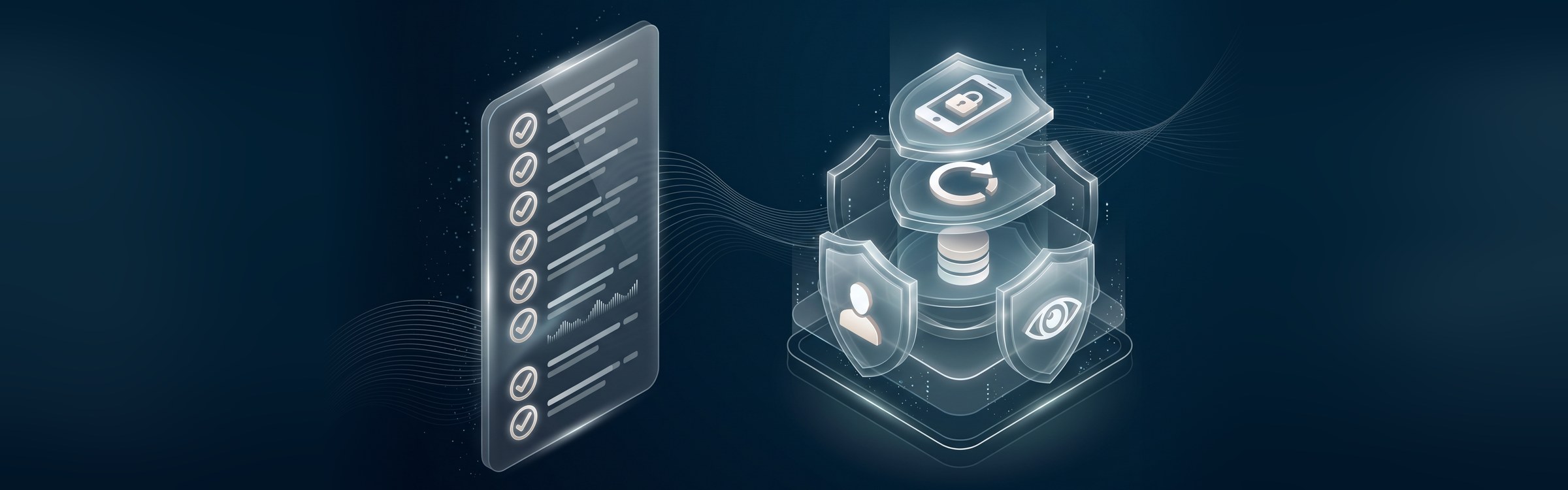
You don’t need a huge budget to prevent most cyber attacks. Start with these steps, roughly in order of impact:
- Turn on multi-factor authentication for email, remote access, cloud apps, and admin accounts.
- Patch quickly, starting with internet-facing systems like VPNs, firewalls, and websites.
- Back up critical data using the 3-2-1 approach (three copies, two types of storage, one offsite or offline) and test restores.
- Train your team regularly to spot phishing, BEC, and deepfake scams, with short, frequent refreshers.
- Limit access so people and systems only have the permissions they need.
- Protect every device with endpoint detection and response and keep them centrally managed.
- Verify payment changes by phone using a known number, every time.
- Know your vendors and review the access they have to your systems.
- Set clear rules for AI and apps so employees know what tools are approved.
- Monitor and respond with alerts for unusual logins and activity, and a written incident response plan.
Many of these come down to habits rather than tools. Our post on common cybersecurity mistakes covers the everyday gaps that lead to most incidents.
What to Do If You’re Hit by a Cyber Attack
Even with strong defences, it’s important to be ready. If you suspect an attack:
- Contain it: Disconnect affected devices from the network, but don’t turn them off, as this can destroy evidence.
- Call for help: Contact your IT provider or security team right away.
- Secure accounts: Reset passwords and revoke access for any compromised accounts.
- Don’t rush to pay: If it’s ransomware, get expert advice before deciding anything.
- Report it: In Canada, incidents can be reported to the Canadian Centre for Cyber Security, and fraud to the Canadian Anti-Fraud Centre. Privacy breaches involving personal information may also need to be reported to the Privacy Commissioner, and to the Commission d’accès à l’information for businesses subject to Quebec’s Law 25.
- Restore and learn: Recover from clean backups, then fix the weakness that let the attacker in.
Frequently Asked Questions
What are the most common types of cyber attacks?
How can businesses prevent cyber attacks?
What is the most dangerous type of cyber attack?
How are hackers using AI in cyber attacks?
Are small businesses targeted by cyber attacks?
Stay a Step Ahead of Cyber Attacks
Cyber attacks are changing quickly, but most still rely on the same weaknesses: unpatched systems, stolen passwords, and people being rushed into a mistake. Closing those gaps with a few consistent habits makes your business a much harder target.
At BitWaves, we help businesses across Canada and the US monitor, patch, back up, and secure their systems around the clock. Explore our managed IT services, or get in touch to find out where your business is most exposed and how to fix it.